Relay Clipboard – Sequential Copy & Paste for Windows
A downloadable tool for Windows
 # Relay Clipboard
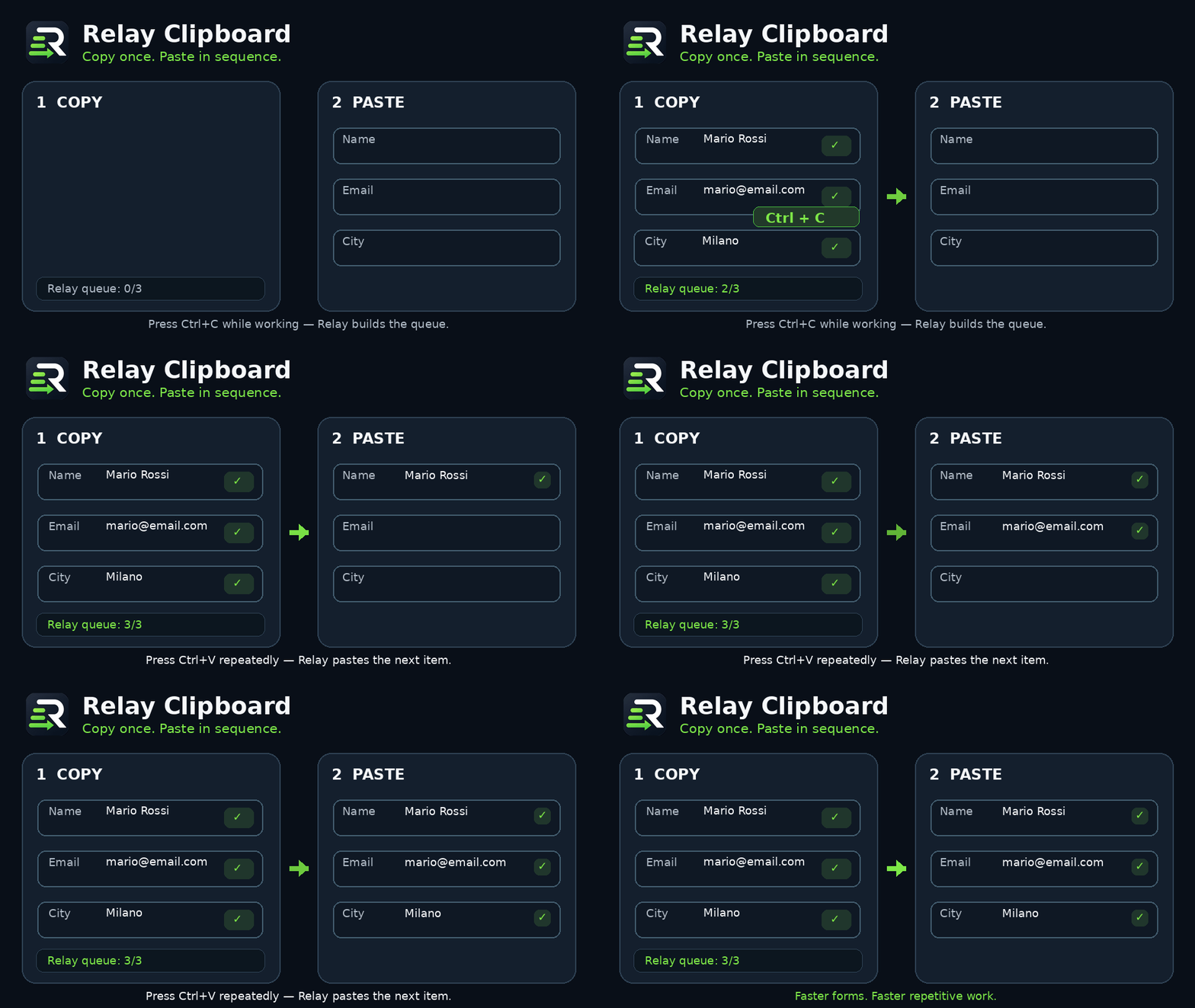
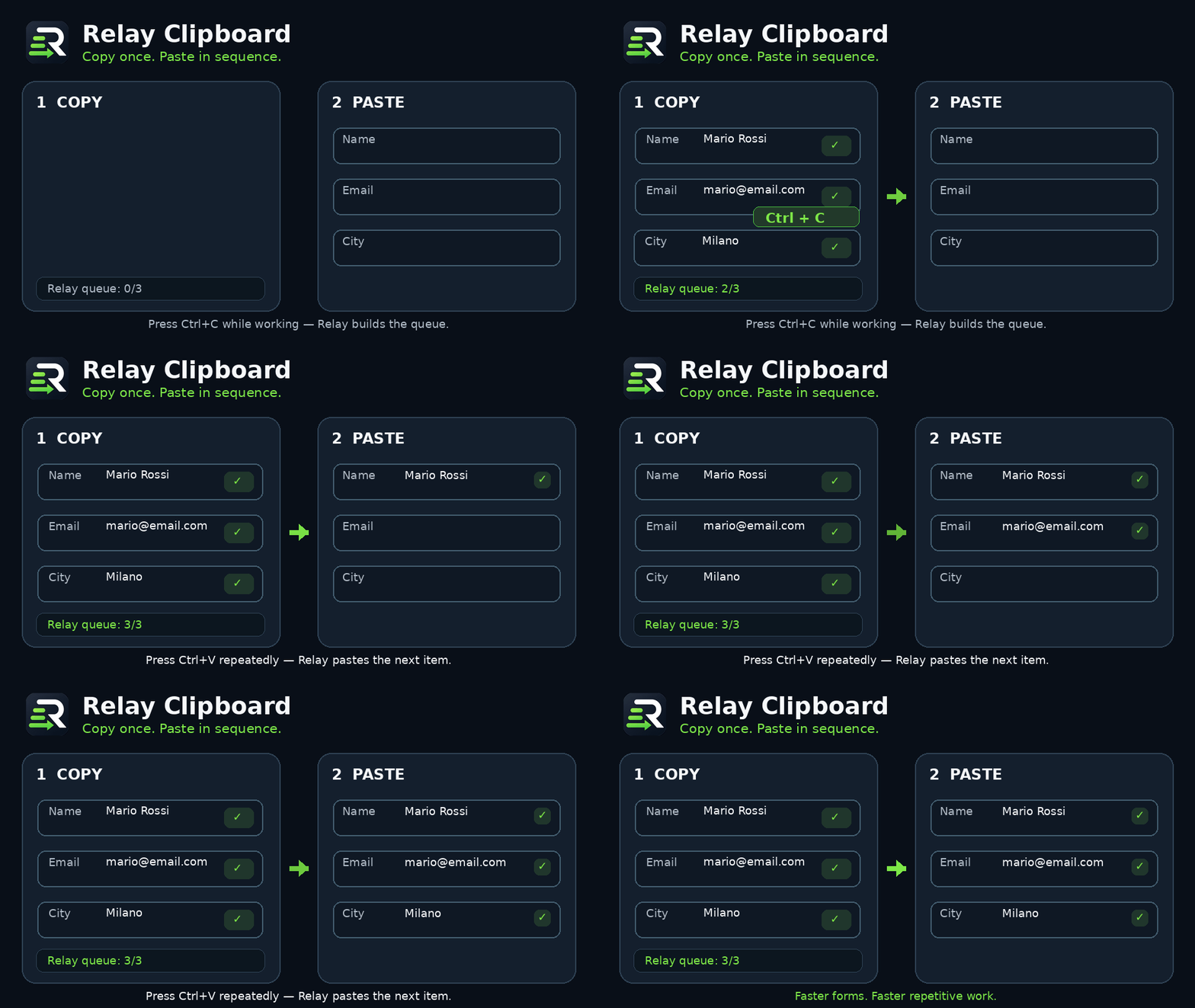
Relay is a Windows productivity tool designed to make repetitive copy-and-paste work faster and easier.
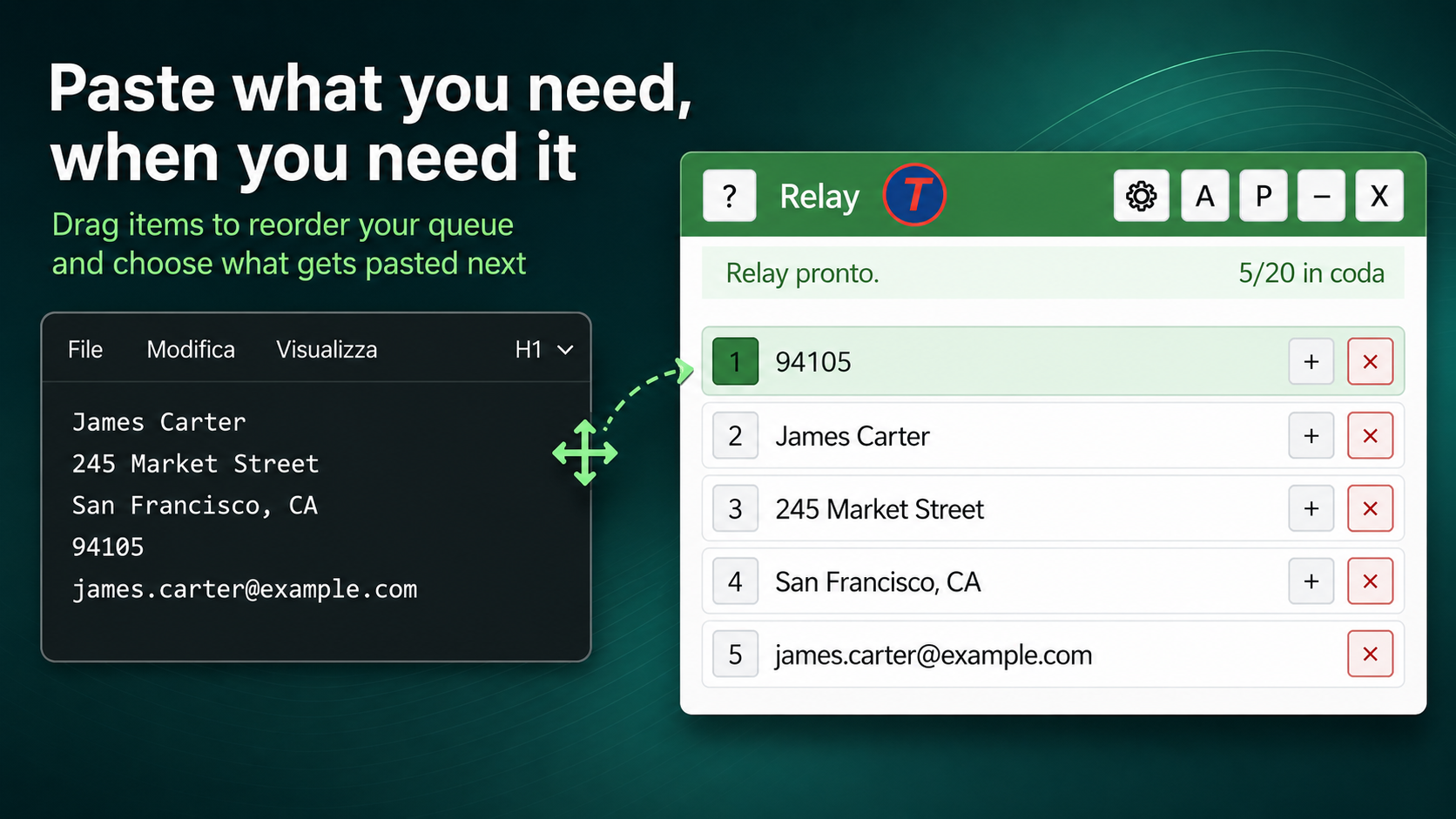
Copy several items first, keep them in a visible queue, choose which item should come next, and press Ctrl+V to paste them one by one. Relay is useful when working with names, addresses, phone numbers, links, product information, messages, online forms and other repetitive data.
Download Relay from the Microsoft Store: https://apps.microsoft.com/store/detail/9PD8FVZZ2K7B?cid=DevShareMCLPCS
## Main features
* Copy multiple text items before pasting
* Keep up to 20 items in a visible queue
* Paste queued items sequentially with Ctrl+V
* Choose any item as the next one to paste
* Reorder, edit, merge or delete copied content
* Copy an important item directly to the top of the queue
* Mask sensitive copied information
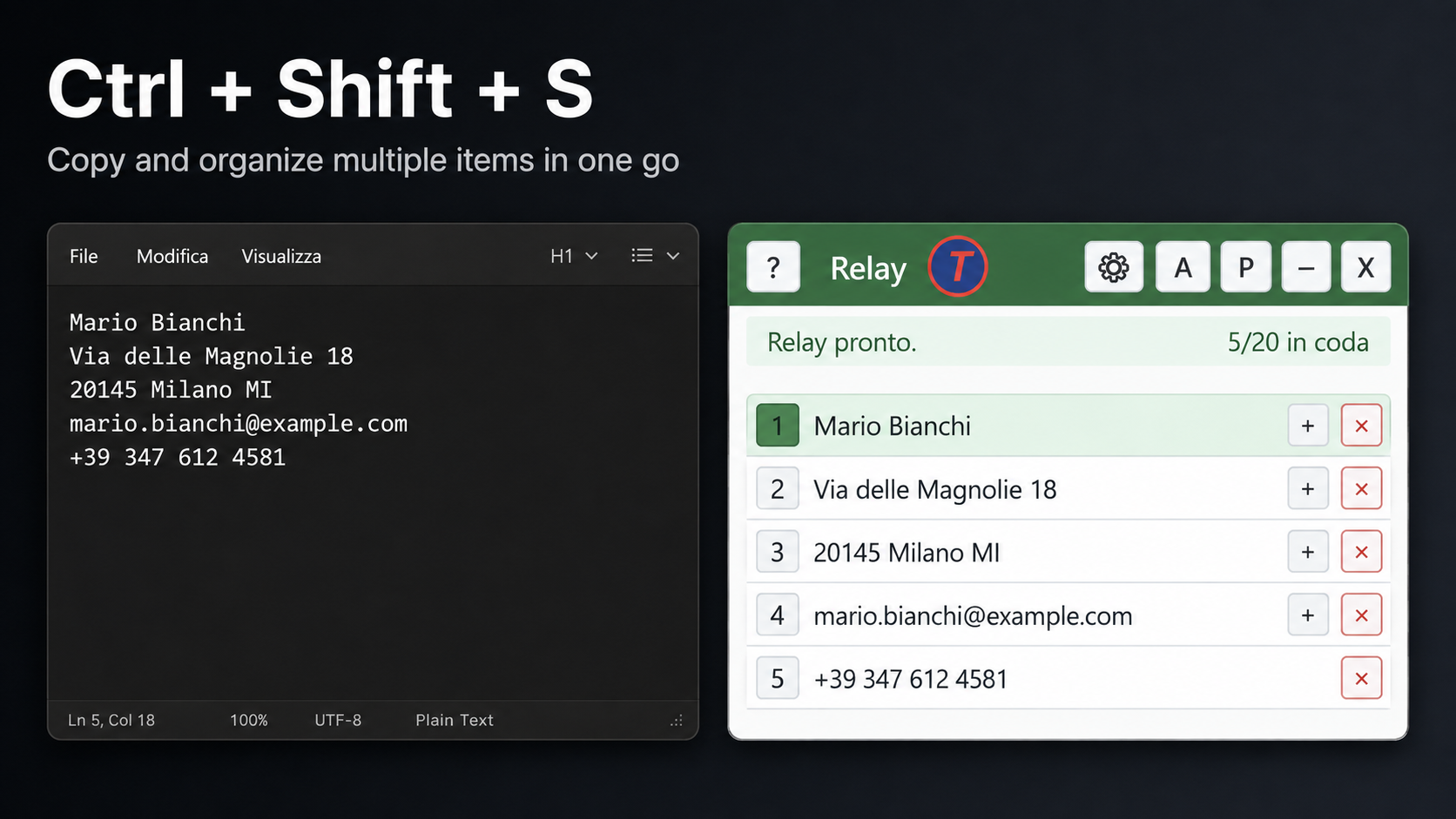
* Split multiline text into separate queue items
* Paste an item and automatically move to the next field with Paste + Tab
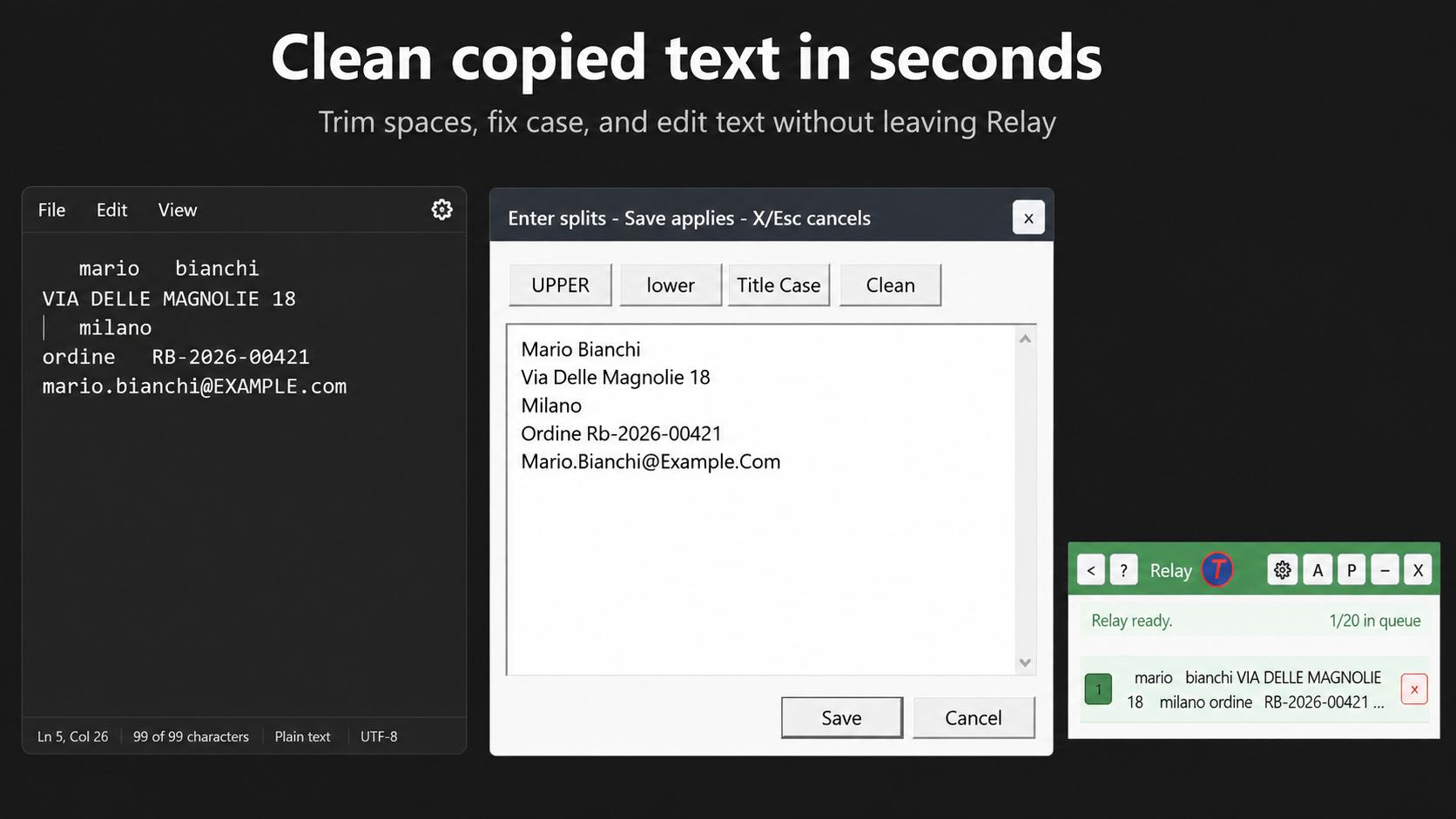
* Convert text to uppercase, lowercase or capitalized text
* Remove repeated and unwanted spaces
* Detect and organize lists of tags
* Manage hidden links and formatted text
* Pause Relay whenever normal Windows clipboard behavior is needed
* Available in English and Italian
## Autofill
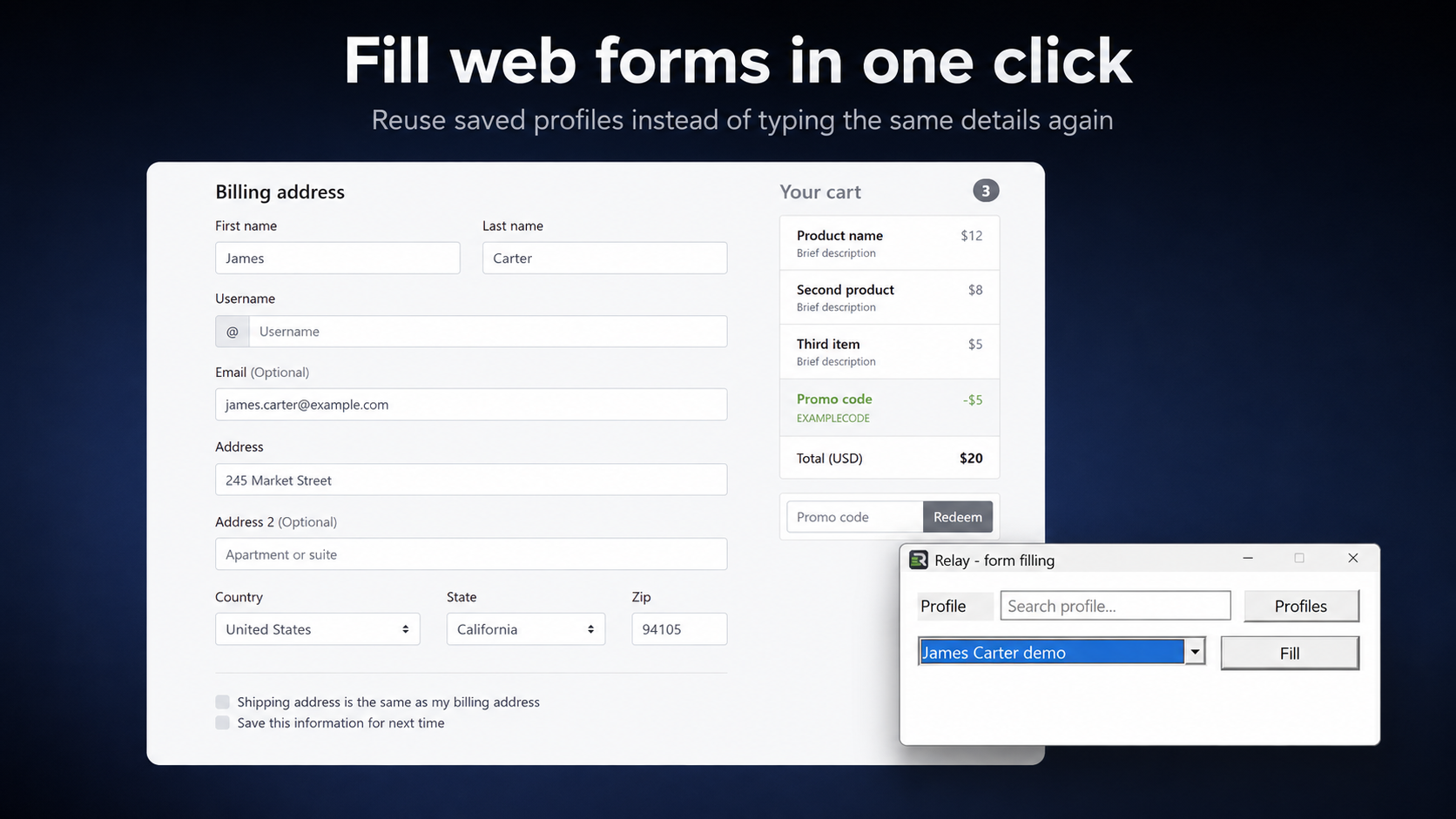
Relay includes profiles and contacts for information you use frequently, such as names, addresses, email addresses and phone numbers.
Autofill can assist with filling fields in Windows applications and online forms. Optional browser extensions are available for Chrome, Edge and Firefox.
## Relay Turbo
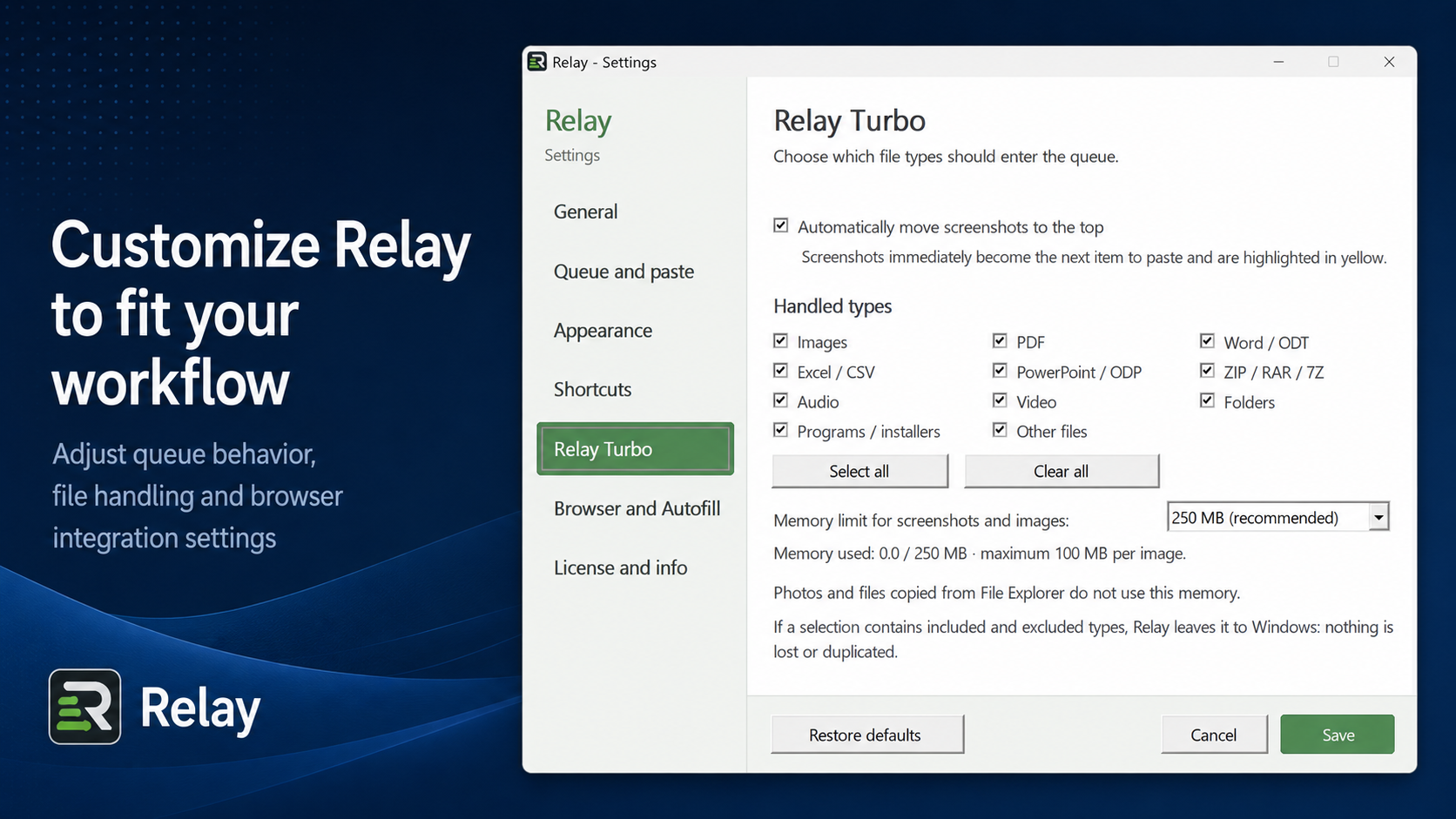
Relay Turbo adds support for:
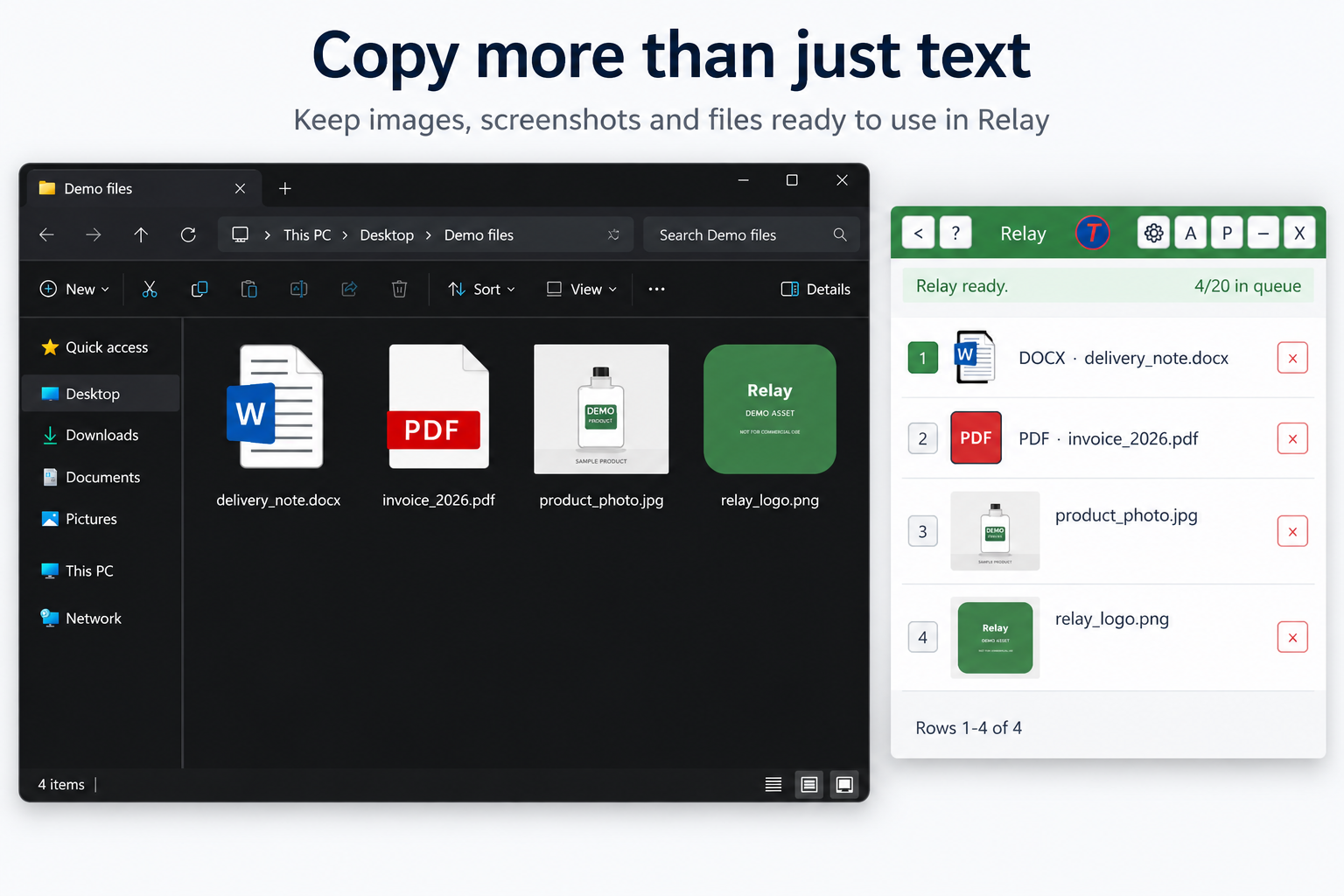
* Images
* Screenshots
* Files
* Folders
* Multiple files
* Mixed file selections
Images, screenshots and files can be kept in the Relay queue and selected for pasting just like text items.
## Keyboard shortcuts
* Ctrl+C — add copied text to the queue
* Ctrl+V — paste the selected item
* Ctrl+Alt+C — copy an item directly to the top
* Ctrl+Shift+C — copy and mask sensitive information
* Ctrl+Shift+S — copy every line as a separate item
* Ctrl+Shift+X — clear the queue
* Ctrl+Alt+T — enable or disable Paste + Tab
* Ctrl+Alt+R — hide or restore Relay
## Privacy
Relay processes the text queue locally on your computer.
Copied text is temporary: it is not saved to disk, synchronized to the cloud or sent to Relay servers. Autofill profiles are stored only on the computer and protected using Windows encryption.
An internet connection is used only when required for purchasing or activating a license.
## Trial and editions
The download includes a free 15-day Relay Turbo trial with access to all features.
After the trial:
* Relay Free — up to 5 queued items and 30 Relay pastes per day
* Relay — €59 lifetime license
* Relay Turbo — €79 lifetime license
Both paid editions are lifetime licenses, not subscriptions.
## System requirements
* Windows 10 version 2004 or later
* Windows 11
* 64-bit PC
Download
Install instructions
**Download & Installation**
1. Download the ZIP file.
2. Extract the entire ZIP to a folder of your choice.
3. Open the extracted folder and run **Relay.exe**.
4. Relay will start and appear on your Windows desktop.
**Requirements**
* Windows 10 or Windows 11
* 64-bit Windows (x64)
No additional libraries or third-party programs are required.
**Important:** Do not run Relay directly from inside the ZIP file. Extract all files first so that Relay can work correctly.
Relay works immediately as a clipboard productivity tool. The optional browser extension is only required for Relay's browser autofill features and is not needed for the main clipboard functions.
Leave a comment
Log in with itch.io to leave a comment.